
Core Concepts
Learn how tabs, panes, agent tools, branches, and Git worktrees fit together.
Agent Session Manager uses a small set of concepts to organize parallel work.
Tab
A tab represents a project directory. It is the context that contains the panes for one project.
Pane
A pane is one terminal session inside a tab. It runs an agent tool or, when opened from an existing pane, a shell in that pane’s working directory.
Agent tool
An agent tool is the command-line program that works inside a pane. Agent Session Manager currently supports Claude Code, Cursor, Codex, and OpenCode. Only tools enabled in Settings → Harnesses appear when you create a pane.
Repository
A repository is the project directory and Git history that a tab represents. The directory selected in New Tab must contain the Git repository where you want to work.
Branch
A branch is a named line of development. A branch points to commits in the repository history; it is not the same thing as the directory containing the files.
Git worktree
A Git worktree is an independent working directory linked to the same repository. Each agent pane runs in one worktree, so several panes can work on different branches without mixing their files.
Agent Session Manager creates linked worktrees for new tasks and can also open an existing worktree. Closing or deleting a managed worktree removes that working directory, but does not delete its branch or commits.
Session, branch, or worktree
The Session, branch, or worktree field in New Pane identifies the working context for a pane. Its value can represent a new task name, an existing local or remote branch, or an existing worktree name.
How the concepts relate
Tabs keep repositories separate. Panes keep task worktrees separate within a repository. The agent tool determines which command-line assistant runs, while the task name or branch identifies the work associated with that pane.
The repository, branch, and worktree are related but not interchangeable. A repository contains the shared history, a branch names a line of development, and a worktree is the directory where that branch is checked out.
The visible workspace
The main window shows tabs across the top and panes below them. Each pane has its own terminal session, working directory, tool, and status information. Switching tabs changes the project context and its panes.
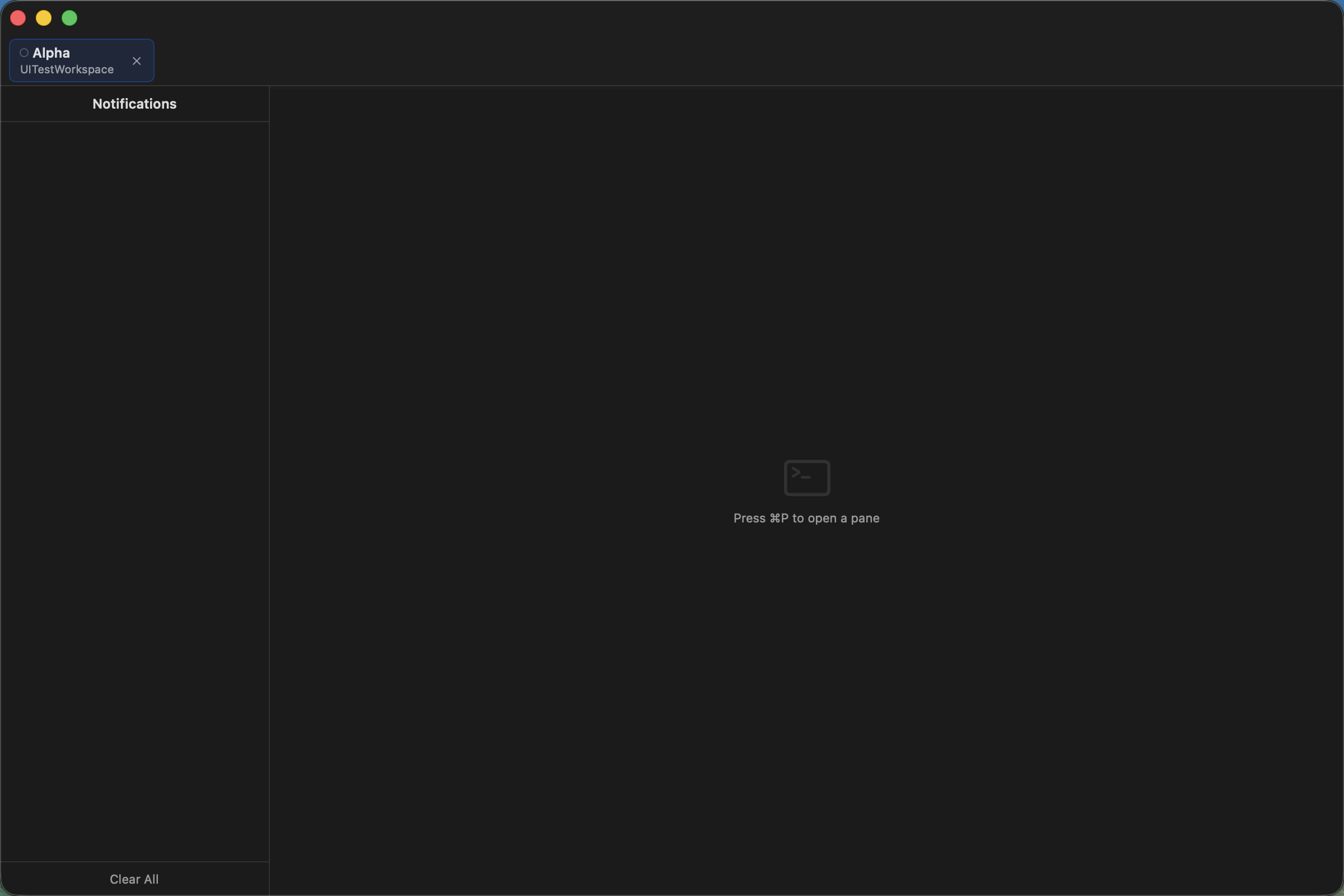
A tab identifies the project context shown below the tab bar.
Read next
- Follow the Quickstart to create the first workspace.
- Use Tabs and Panes for everyday actions.
- Read Project Isolation for worktree choices.
- Consult Supported Tools for the tool list.