
Terminal Scrollback
Choose how much terminal output remains available to scroll back through.
What it is
Terminal scrollback keeps output that has moved above the visible terminal area so you can review earlier agent output.
Why you might use it
Increase the buffer for long-running tasks whose output you may need to inspect later.
Before you start
The global default is 5,000 lines. Decide whether you want to change that default or override one pane.
How to use it
Change the global default
- Open Settings → Panes → Terminal.
- Find Scrollback History.
- Choose Custom Limit and enter 100–50,000 lines, or choose Unlimited (50,000-line cap).
The setting is saved for future launches and immediately updates open panes that use the global default.
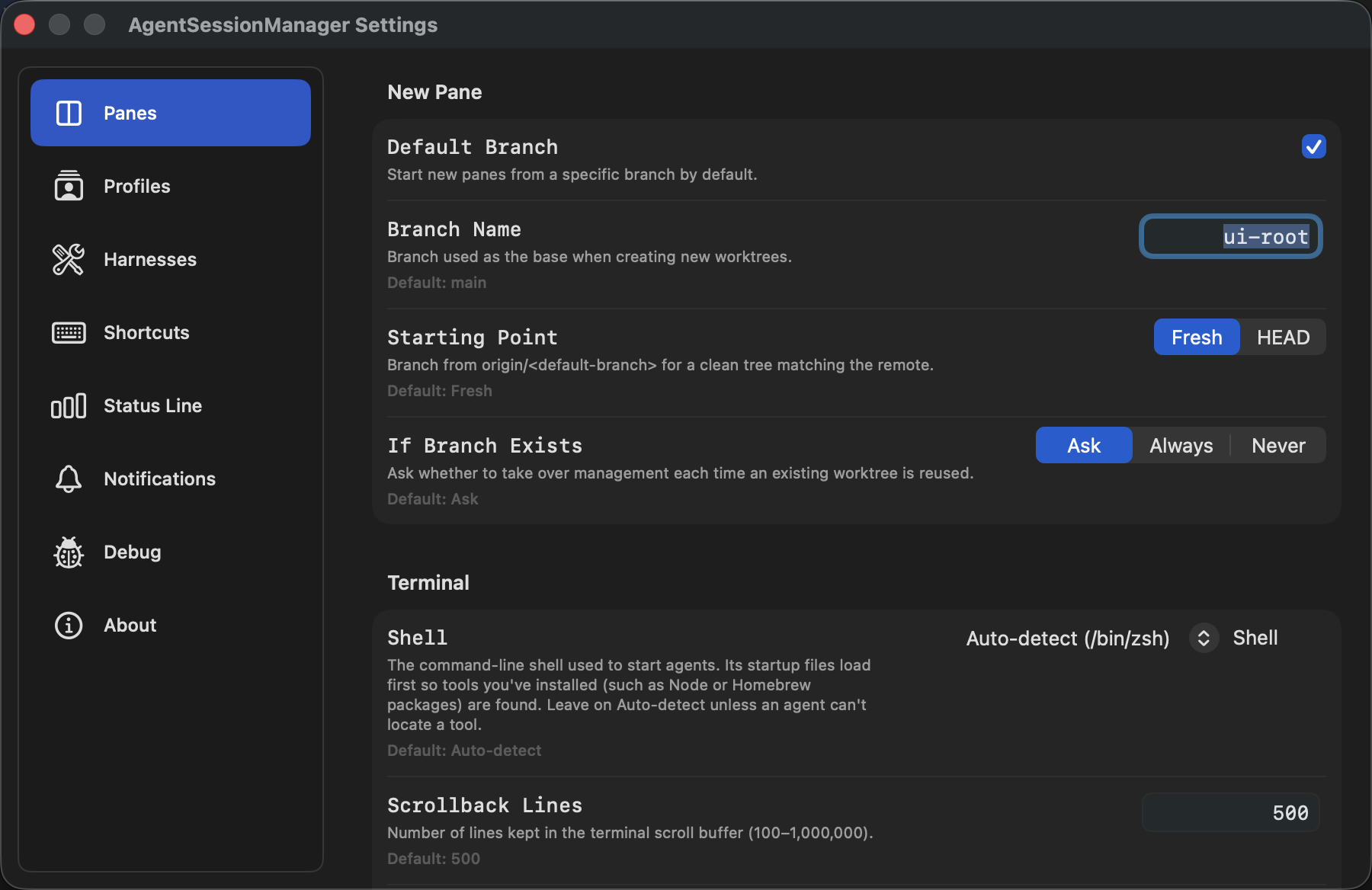
Scrollback History appears in Settings → Panes → Terminal.
Override one pane
- In the New Pane or Refresh Pane sheet, open More Settings and choose a value under Scrollback History. Leave Use Global Default selected to keep the pane linked to the global setting.
- For an open pane, right-click anywhere in it and use the Scrollback History submenu. Choose a preset, the capped unlimited mode, Custom…, or Use Global Default.
Pane overrides are saved with the pane and survive app restarts.
What you should see
You can scroll farther back through terminal output when the buffer is larger. When lowering an open pane’s effective limit, Agent Session Manager asks you to confirm because SwiftTerm immediately discards the oldest retained lines.
The unlimited option is intentionally capped at 50,000 lines per pane. SwiftTerm stores scrollback in memory and does not offer true unbounded history, so the cap prevents runaway memory use.
If it does not work
- If the value is adjusted, enter a whole number between 100 and 50,000.
- If older output is unavailable, increase Scrollback History before the output scrolls out of the buffer. Increasing it cannot restore lines that were already discarded.
- Full-screen terminal applications often use an alternate screen whose content is not added to scrollback.